Infinite Craft Game Guides — Session Walkthrough, Glossary & Every Guide
Most guide hubs are lists. This one is a working page. Below is a real walkthrough of a session — what actually happens on the canvas from the first combination to a completed goal — plus a glossary of every term used across the site, and then the full index of guides sorted by what you need. If you want to skip straight to a specific guide, there is a compressed index at the bottom.
Two warnings before you start. First, there is no Infinite Craft 2 — the game is still one browser release, and anything claiming a sequel is a fan clone or a mirror. Second, this site only publishes recipes that were built from scratch in a clean save file. If a chain has an alternate route, the page shows both.
What a session actually looks like
A session in Infinite Craft is not linear. You do not pick one target and follow it to the end — you pick a target, hit a wall, notice you already have half the ingredients, and switch. The four steps below describe what that actually looks like on the canvas, with real screenshots. If you are brand new, read these in order. They explain why most guides assume you already have certain elements.
You start with four elements and no plan
Every session opens the same way: Water, Fire, Earth, Wind on the sidebar, and a blank canvas. The instinct is to combine randomly. Do not. The first five combinations you make in any session determine how fast everything else opens up. The how to play guide covers the eight that matter.
If you have played before, you will already have a library full of elements. That is when you skip straight to step 3 — no point rebuilding Steam if it is already in your sidebar.
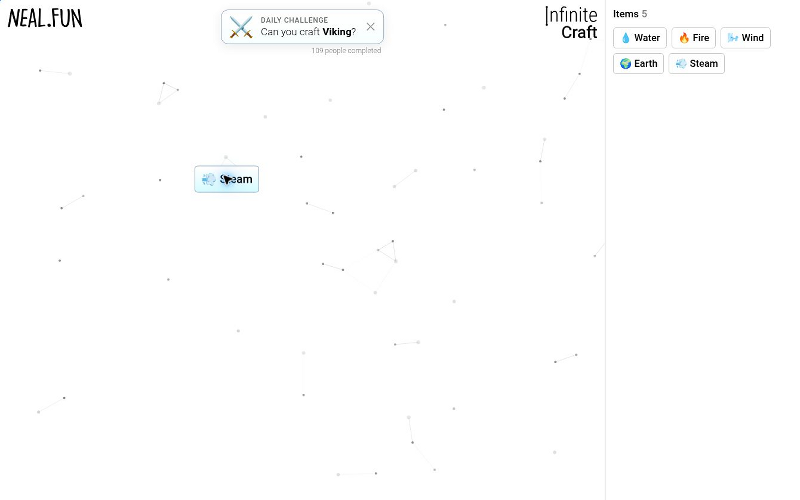
Early session. The sidebar has only the four starting elements and a few Tier 2 combinations. The canvas is clean.
You hit the first milestone — Life
Around element 20, the game stops being about combining ingredients and starts being about building toward a target. The how to make Life in Infinite Craft guide walks through the seven-step chain that unlocks everything else. Life is the gate — without it, half the branches on the site are closed.
Most players spend ten minutes here. The chain is not long, but it requires building Venus first, which itself requires Fog and Planet. Every step is reusable.
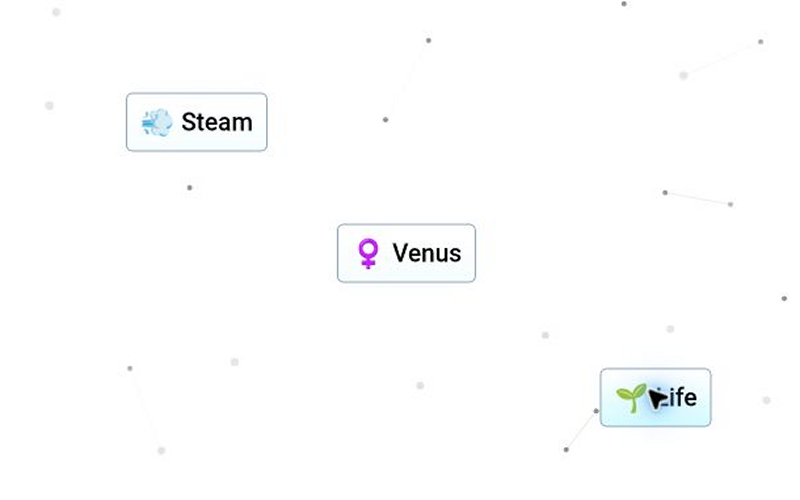
Mid-session. Life, Steam, and Venus on the canvas. The sidebar now has dozens of elements and the branches are starting to separate.
You pick a target and work backwards
With Life in your library, the game shifts to goal-chasing. You want a specific character, or a specific planet, or a specific recipe. The full recipes hub exists for exactly this moment — you pick a target, and the page shows the chain from the four starting elements to the result.
The trick most players miss: before starting a chain, check what is already in your library. Half the ingredients you need usually exist from earlier sessions. The tips & tricks guide explains the reverse-engineering method that turns a target into a plan.
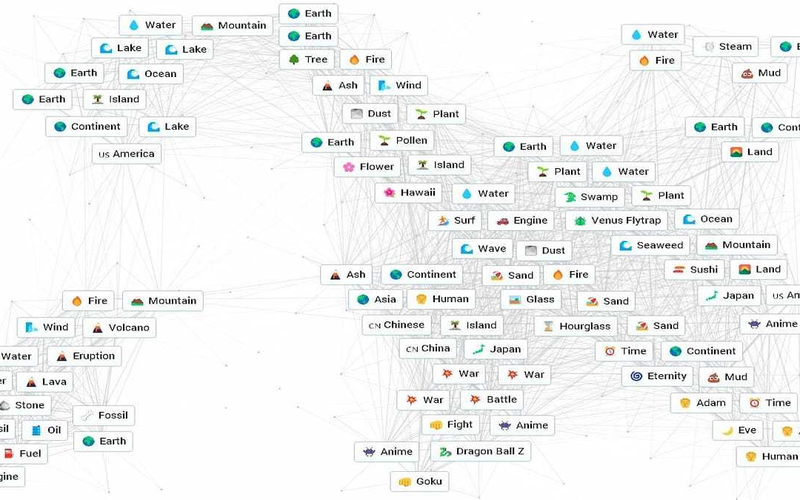
Completed goal. The target element landed in the sidebar. The intermediate chains stay on the canvas — you will need them again.
Something does not work, and you need to know why
At some point a combination refuses to work, or a save file disappears, or the game behaves differently than you remember. When that happens, the FAQ is the fastest way to diagnose it — it covers the three real reasons two elements will not merge.
If the problem is that a recipe used to work and now gives a different result, the changelog documents every interface update that altered how the game behaves. Behaviour changes are rare but real.
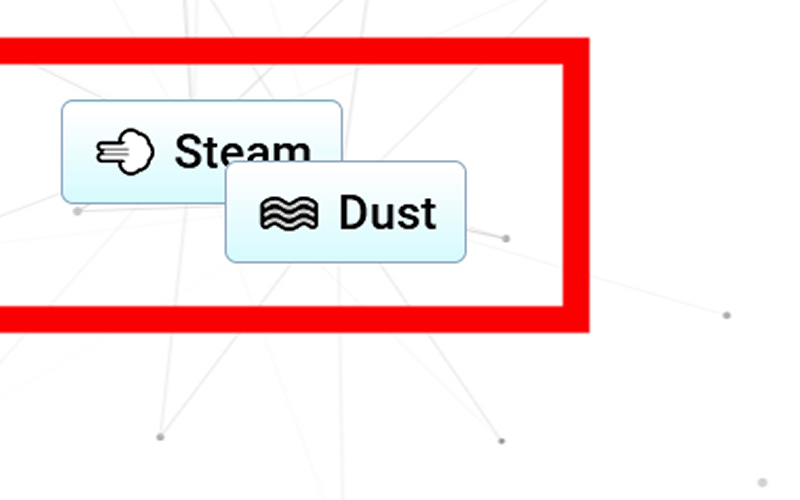
Troubleshooting moment. Two elements dropped on each other with no result. The FAQ explains the three possible causes.
Glossary — every term used on this site
These are the terms that appear across the recipes, tips, and troubleshooting guides. If you have read a page on this site and wondered what something meant, the definition is here. Each term also links to the guide where it is explained in full.
Guides by progress stage
Each stage below points to the guides that actually help at that moment. You can read in order or skip straight to the stage that matches you. These are not categories — they are moments in the game.
🗂️ Category hubs — browse by theme
If you know which theme you want to explore — animals, mythology, food, technology — these hubs collect all the recipes in that category. Each one contains dozens of recipes, not just the top three or four. They are also the fastest way to find an alternative route to an element you are stuck on.